
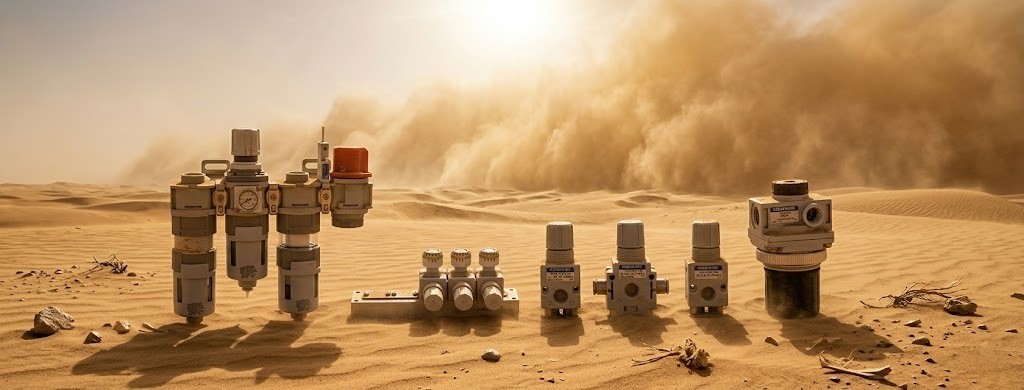
KOGANEI Products & Pneumatic Automation Components
Explore KOGANEI product families for pneumatic control, cylinders, actuation, vacuum handling, air preparation, fittings, gripping and industrial motion requirements. Start from a product family, model code, machine function or engineering requirement.
One Automation Core. Multiple Product Orbits.
Explore KOGANEI product families as one connected automation ecosystem. Pneumatic control, cylinders, vacuum, gripping, sensing, flow, connection and electric motion work together around the same engineering core.
Pneumatic • Motion • Vacuum • Handling • Control
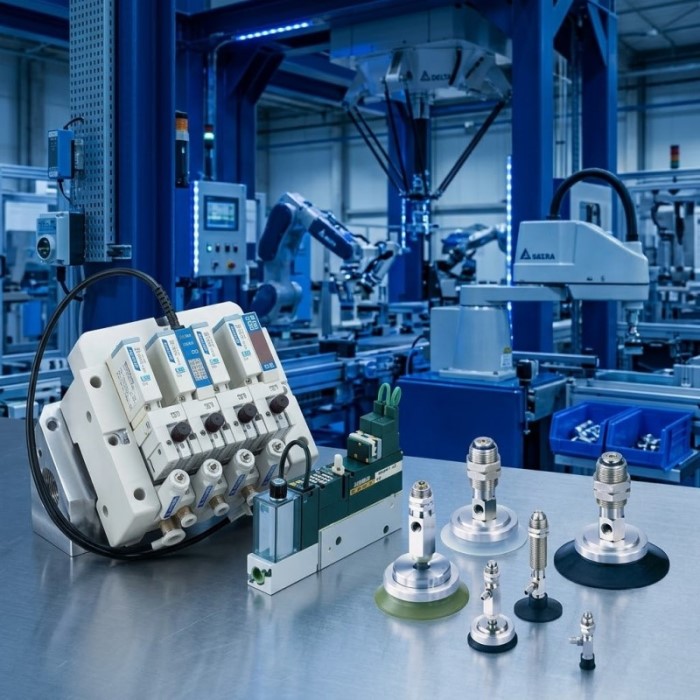
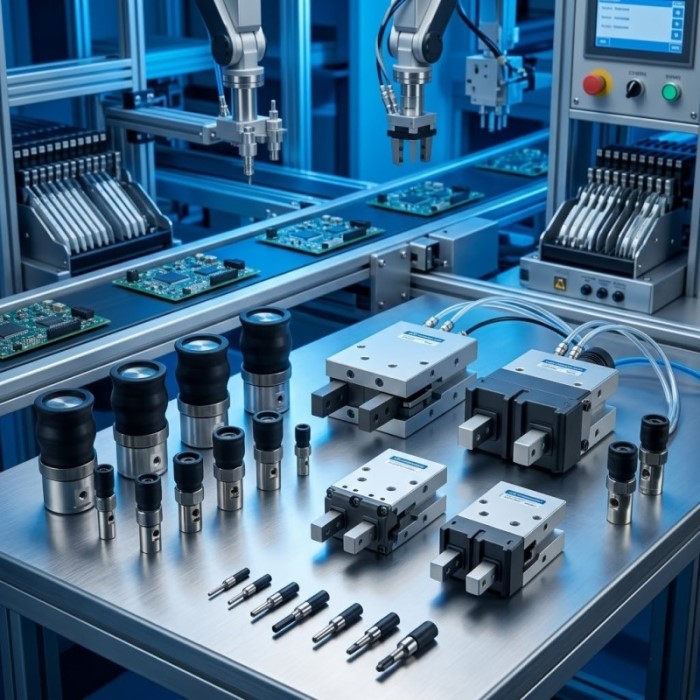
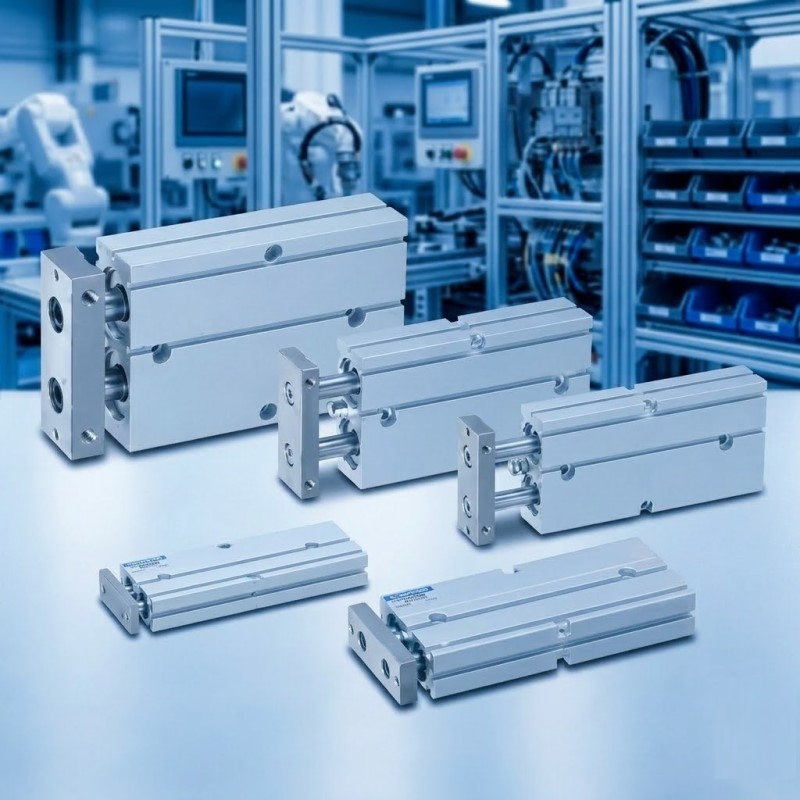
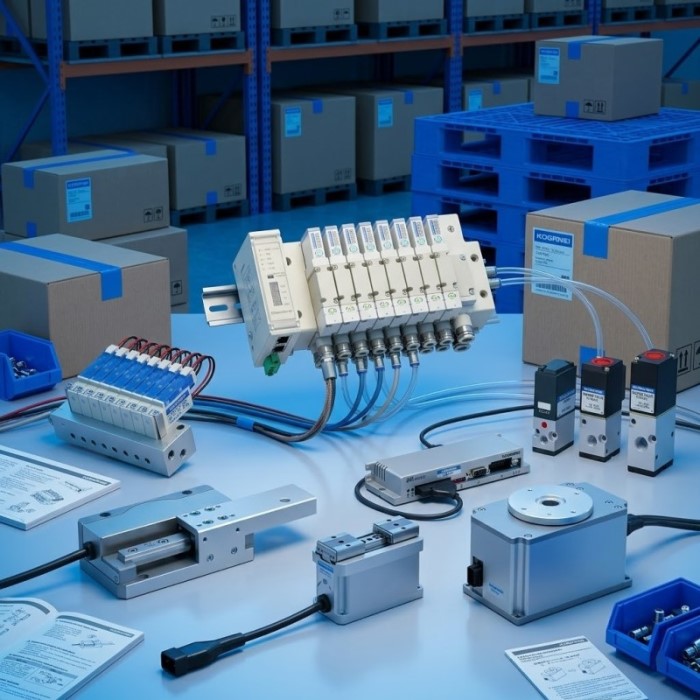
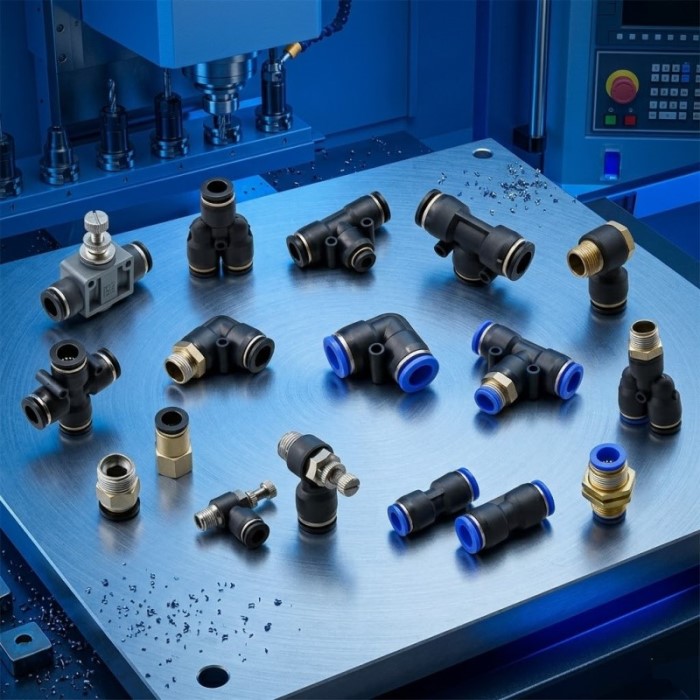
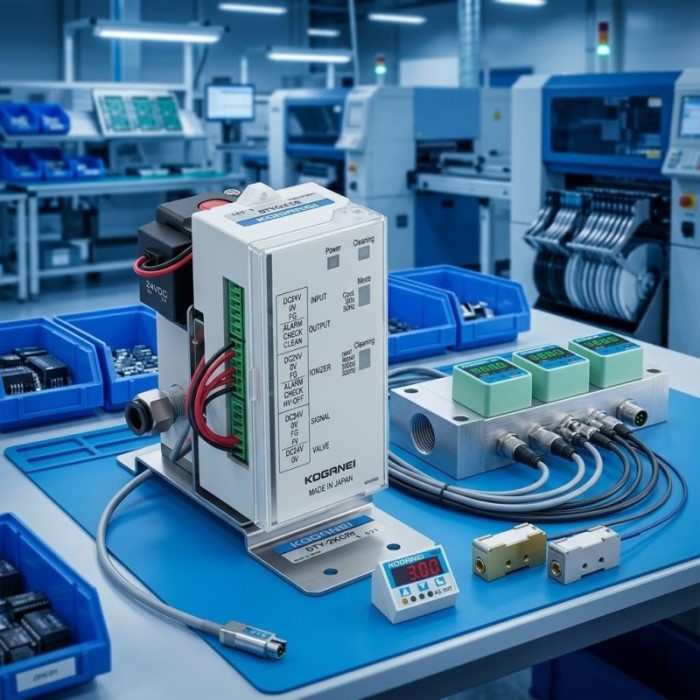
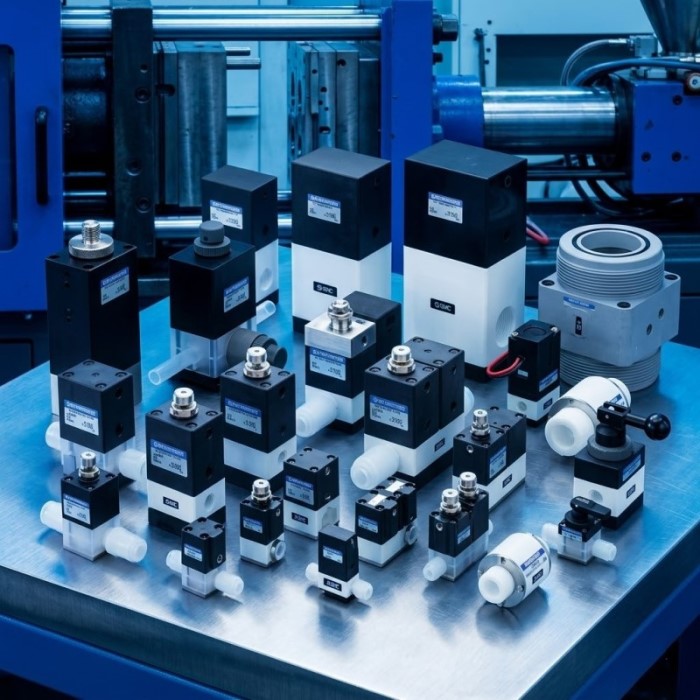
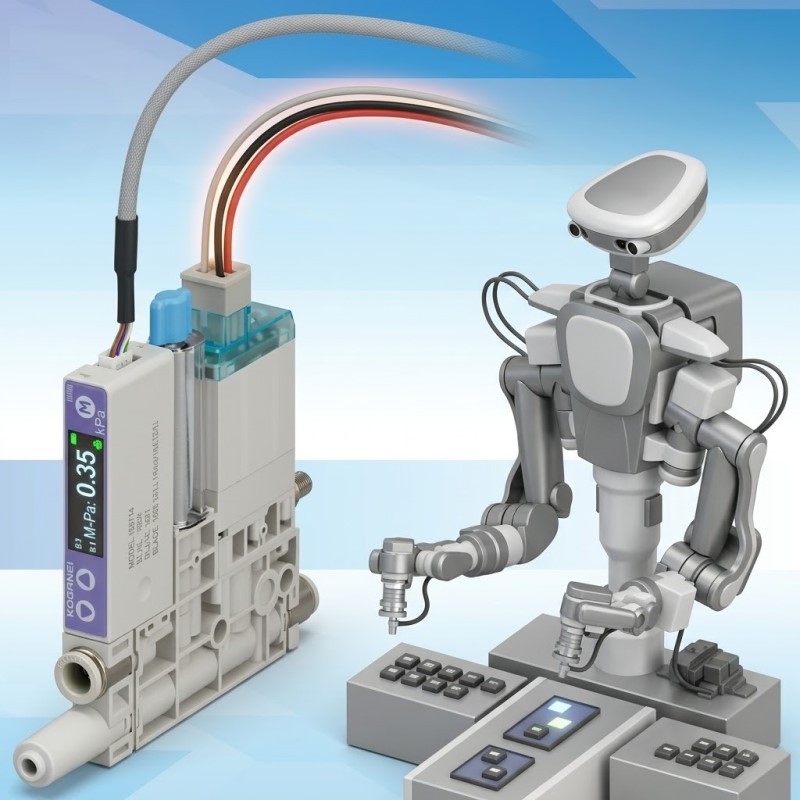 OUTER COMMAND STATION / 11
Automation Applications
If the exact KOGANEI product family is not yet known, begin with the machine function. Define what must move, grip, position, detect, regulate or transfer, then connect that process requirement to the most relevant KOGANEI pneumatic, motion, vacuum, handling or control product route.
This application-first approach is useful for new machine design, retrofit projects, pick-and-place systems, material handling, assembly automation and production equipment where several component families may work together as one coordinated system.
Select by Engineering Requirement — Not by Guesswork.
Start from the machine requirement you already know: motion, load, bore, stroke, pressure, flow, voltage, port size, mounting or handling function. The goal is to route the requirement into the most relevant KOGANEI product family before model matching and quotation.
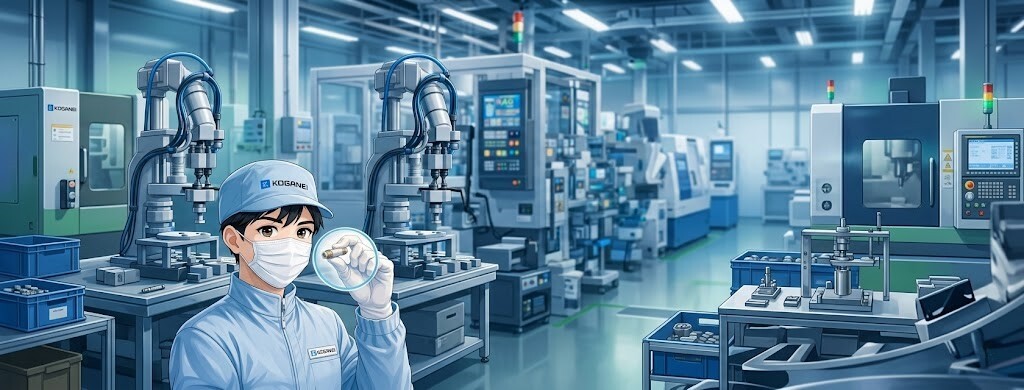 MACHINE REQUIREMENT INPUT
X / 042
Y / 116
MACHINE REQUIREMENT INPUT
X / 042
Y / 116
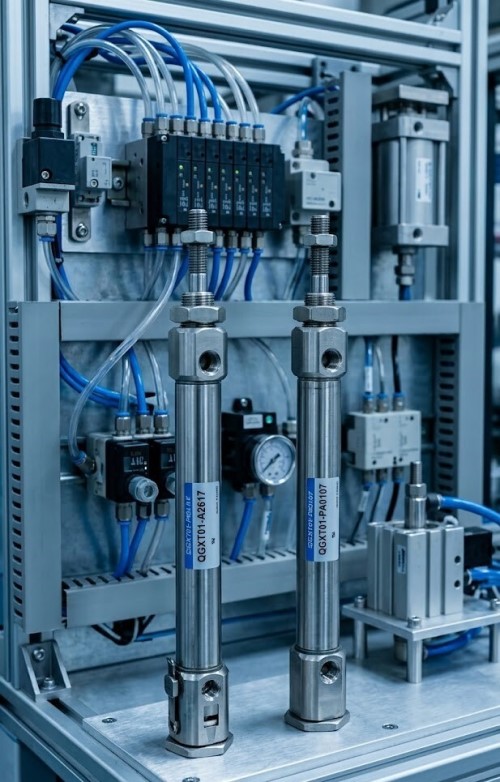 MOTION ENGINEERING
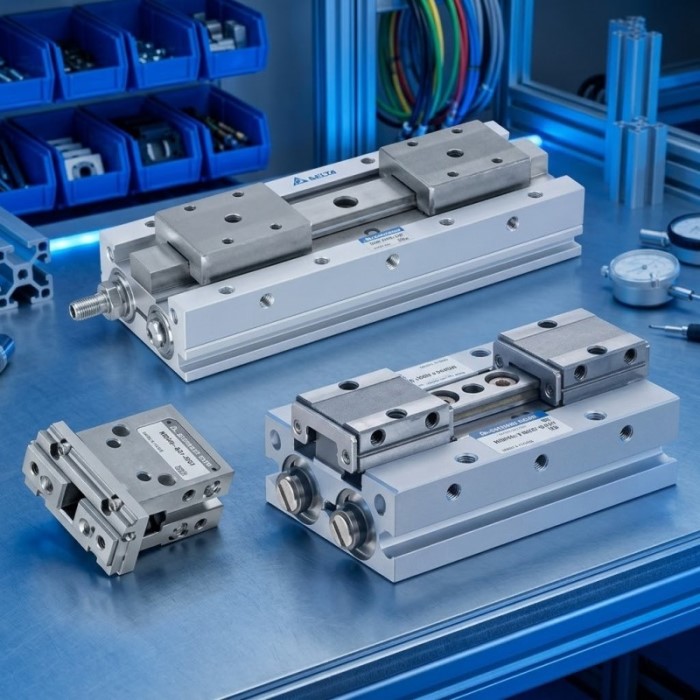
Use this route when the machine requires linear movement. Bore influences available force, stroke defines travel distance, while mounting method and moving load determine how the actuator can be installed and operated reliably.
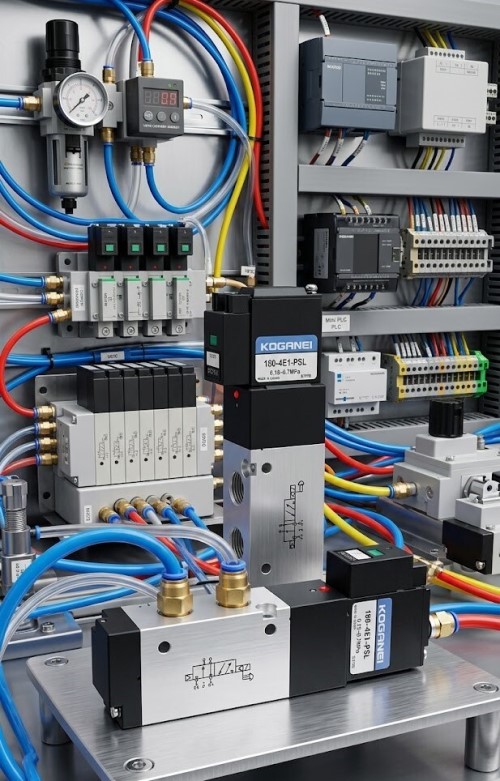 CONTROL PARAMETERS
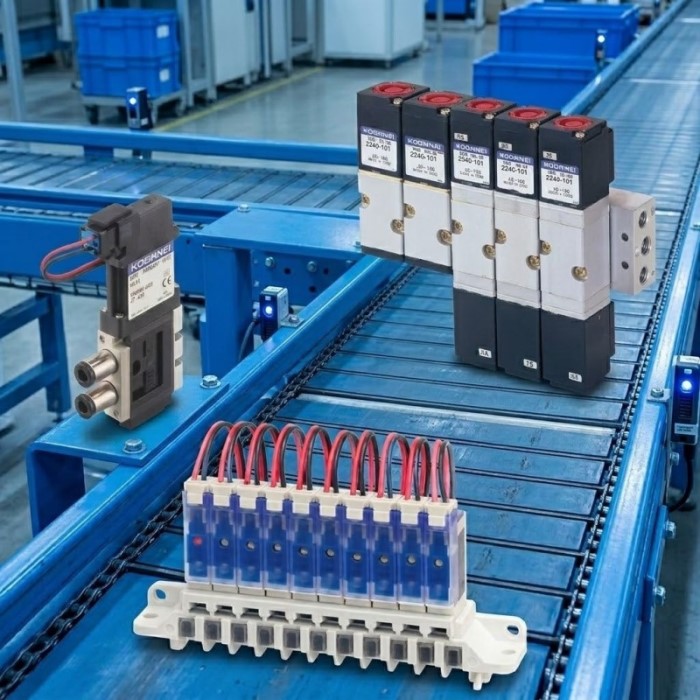
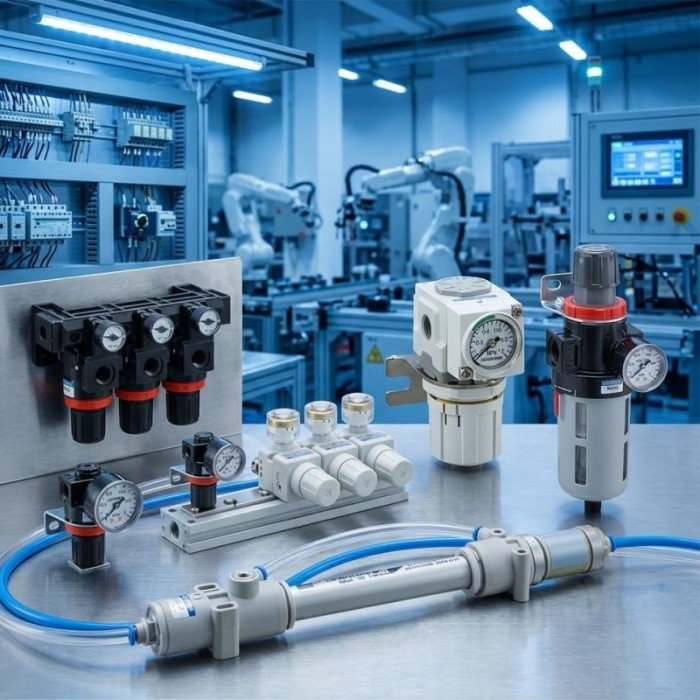
Use this route for valve and pneumatic-control selection. Working pressure, required airflow, electrical signal and port connection are the core inputs used to narrow the correct family and configuration.
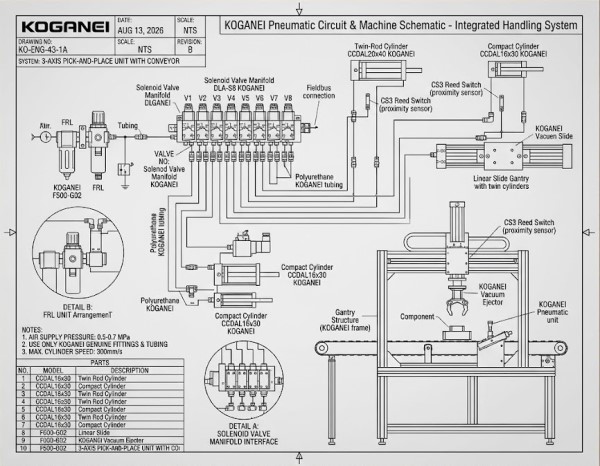 TECHNICAL APPLICATION VIEW
Translate machine behavior into product parameters.
When the exact model is unknown, describe the machine behavior instead. Tell us what moves, what is handled, the available air pressure, required travel, cycle speed, signal type and connection method. These details are often enough to establish the correct product route before an exact model is selected.
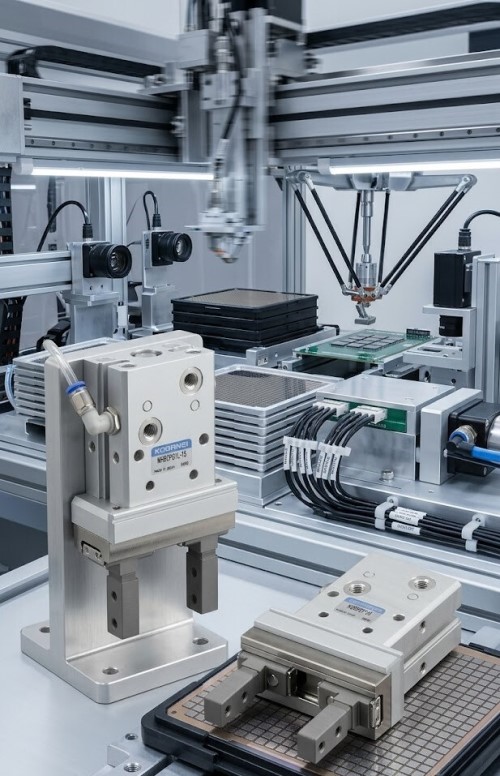 PICK & PLACE
Have an Existing Part? Start From What You Already Have.
A replacement inquiry does not always begin with a complete catalogue code. An old model number, product photo, nameplate, cylinder dimensions, valve voltage, port size or even the machine function can provide a useful starting point. This desk organizes that evidence before technical matching and RFQ.
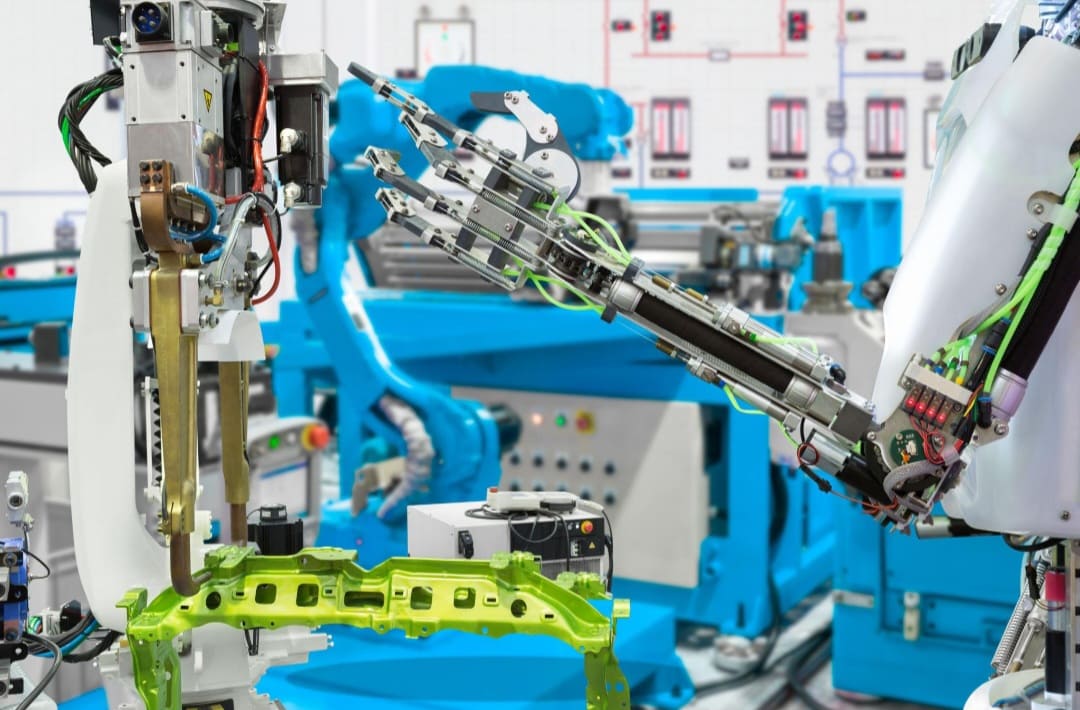 EXISTING PART IDENTIFICATION
Two components can look similar but differ in bore, stroke, port arrangement, voltage, pressure range, mounting or internal function. Combine visible evidence with operating data whenever available.
Four practical ways to start a replacement inquiry.
You do not need every field below. Start with the strongest information available, then add technical details as they become known.
Send the complete code exactly as printed, including suffixes, voltage designation, option codes and series markings when visible.
Photograph the complete component plus label, connector, port, mounting face and visible dimensions. Multiple angles are better than one cropped image.
Known engineering data can narrow a family even when the original model code is damaged, incomplete or no longer readable.
If the model is unknown, explain the function: move, clamp, grip, switch air, regulate pressure, detect a condition or control speed.
From existing evidence to a technically reviewed route.
The purpose is not to promise interchangeability immediately. It is to organize evidence, identify the product family and determine what still needs to be verified.
Model code, photo, specification, machine function and quantity.
Establish whether the part belongs to motion, valve, sensing, handling or air preparation.
Compare dimensions, pressure, voltage, port, mounting, motion and operating function.
Proceed to exact match, technical match or application-based selection.
Replacement does not always mean “same code”.
The correct route depends on what can be verified from the original component and the machine requirement.
Used when the original KOGANEI model can be clearly identified and the same model or documented successor can be established.
Best evidence: complete model code + nameplateUsed when the original code is unavailable or obsolete but critical operating parameters can be compared and reviewed.
Best evidence: dimensions + pressure + signal + mountingUsed when the original part cannot be identified reliably. Selection begins from the required machine function and available engineering data.
Best evidence: application + load + motion + air/signal dataUseful even when the original information is incomplete.
These are common starting conditions for maintenance, MRO and machine-support inquiries. Each case still requires verification before a replacement is confirmed.
Start with the original code and photo, then identify the series, function and critical dimensions that must remain compatible.
A competitor model can be a reference point, but function, size, connection and performance still need technical comparison.
Send multiple clear angles and nameplate details. Photos help determine family and configuration but should not be the only verification method.
Begin from what the machine needs to do, then add load, pressure, travel, voltage, port and mounting information as available.
From Pneumatic Components to Complete Machine Functions.
KOGANEI products are most useful when selected as part of a machine function, not as isolated catalogue items. Motion, gripping, vacuum handling, air switching, pressure control, speed regulation and sensing can be combined into a coordinated automation process that supports real production requirements.
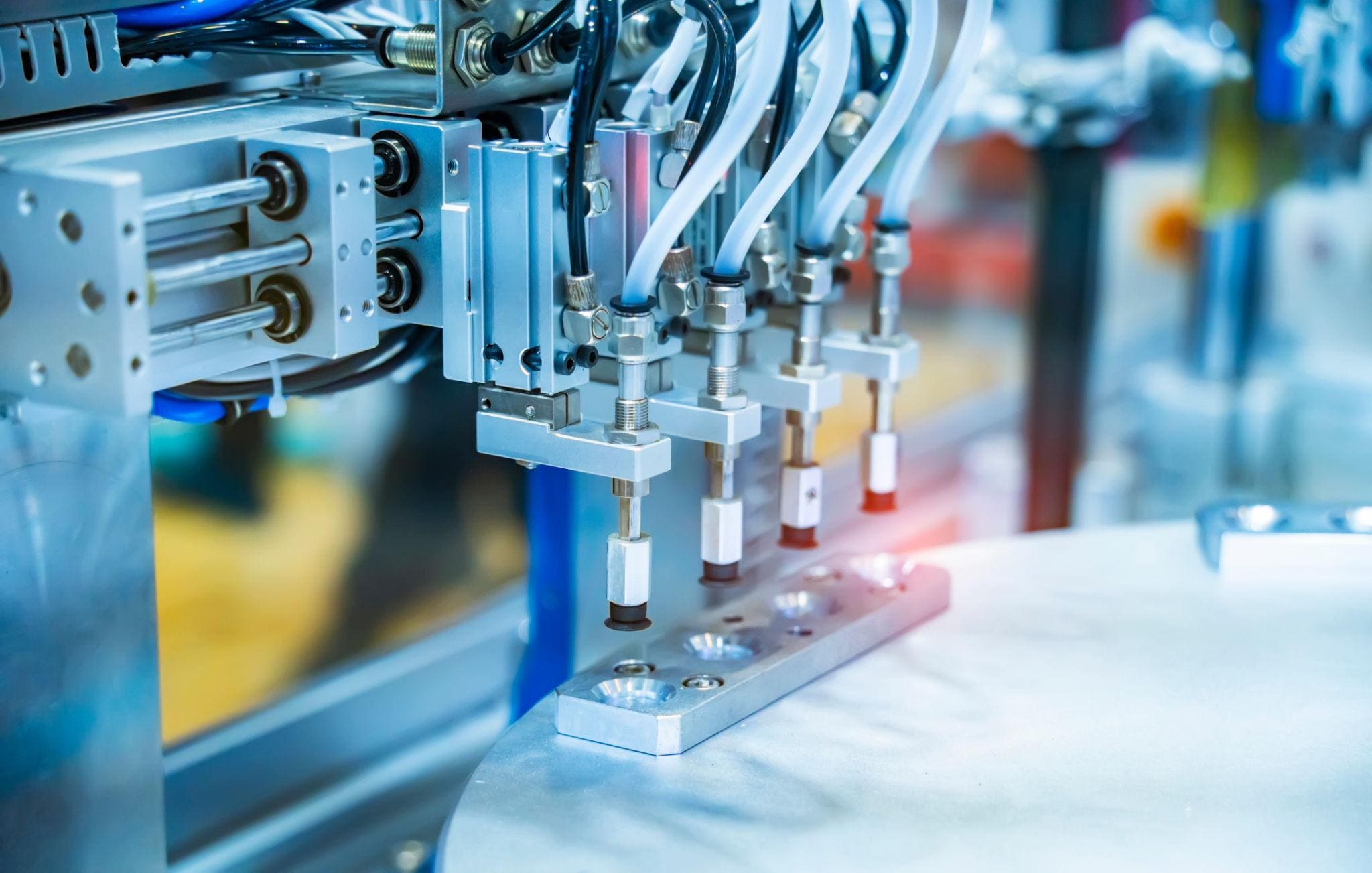 MACHINE APPLICATION VIEW
A pick-and-place motion, for example, may require an actuator for movement, vacuum or a gripper for workpiece handling, valves for directional control, a speed controller for motion tuning, and sensing to confirm the operating condition.
Map the process before choosing the component.
Each function below represents a practical entry point for product selection. The aim is to connect machine behavior with the correct automation route.
Use cylinders or electric motion when the process requires repeatable linear travel, pushing, lifting, indexing, positioning or controlled transfer between stations.
Air CylinderElectric ActuatorSpeed ControlFor repetitive workpiece handling, determine the part shape, surface, payload, transfer distance, cycle speed and required release behavior.
VacuumGripperActuatorEnd-of-arm and handling functions require attention to gripping method, workpiece geometry, available space, orientation and repeatability.
Robot GripperVacuum PadHandlingDirectional valves, regulators, speed controllers and fittings form the control layer that manages air direction, pressure, flow and actuator behavior.
ValveRegulatorFlow ControlSensing helps confirm pneumatic conditions, pressure thresholds and process states so that machine sequence and control logic can respond correctly.
Pressure SwitchSensingFeedbackSee how the workpiece, pneumatic circuit and control signal move through one automation cycle.
This is not a product list. It is a simplified machine-function schematic showing the physical workpiece flow, actuator sequence, sensing points and pneumatic/control layer used to complete a typical pick-transfer-position-release cycle.
A part enters the machine and is presented at the pickup position.
LINEAR MOTION Air Cylinder / ActuatorConfirm that the part or pneumatic condition is ready before movement begins.
SENSING Pressure Switch / DetectionCylinder or actuator advances the handling head to the pickup coordinate.
MOTION CONTROL Cylinder + Speed ControllerThe workpiece is secured mechanically or by vacuum before transfer starts.
HANDLING Robot Gripper / VacuumThe captured part travels between machine stations while grip is maintained.
TRANSFER MOTION Actuator / Guided MotionThe part reaches the required coordinate and the machine confirms position.
PRECISION MOTION Guided Actuator / SensingGrip or vacuum is released and the pneumatic circuit resets for the next cycle.
AIR CONTROL Valve / Vacuum ControlIt enters the machine, is detected, approached, captured, transferred, positioned and finally released.
Prepared compressed air is switched by valves and tuned through flow control before reaching cylinders, vacuum devices or grippers.
Sensors confirm state or position, the controller evaluates the sequence, then sends the next command only when the required condition is satisfied.
The same engineering logic can be applied across different industries.
Machine layout and operating conditions vary by industry, but the same core functions — move, grip, control, sense and transfer — appear repeatedly in automated processes.
PCB handling, component transfer, indexing, inspection support and controlled pick-and-place movement.
Handling • Motion • VacuumAssembly, clamping, part positioning, transfer, loading and repeatable automation sequences.
Motion • Gripping • ControlSorting, pushing, indexing, sealing support, product transfer and repetitive handling operations.
Cylinder • Valve • Speed ControlPrecision handling, controlled movement, compact pneumatic functions and process-support automation.
Precision • Sensing • HandlingMaterial handling, machine automation, assembly support, inspection and repetitive production movement.
Motion • Air Control • SensingEnd-of-arm gripping, vacuum handling, auxiliary pneumatic control and robotic workpiece transfer.
Gripper • Vacuum • ValveTell Us What Your Machine Needs To Do.
If the exact KOGANEI product is not yet known, start with the machine function. Send the process description, photo, available pressure, required movement, workpiece information and operating conditions. The application can then be routed toward the relevant product family for further technical review.