
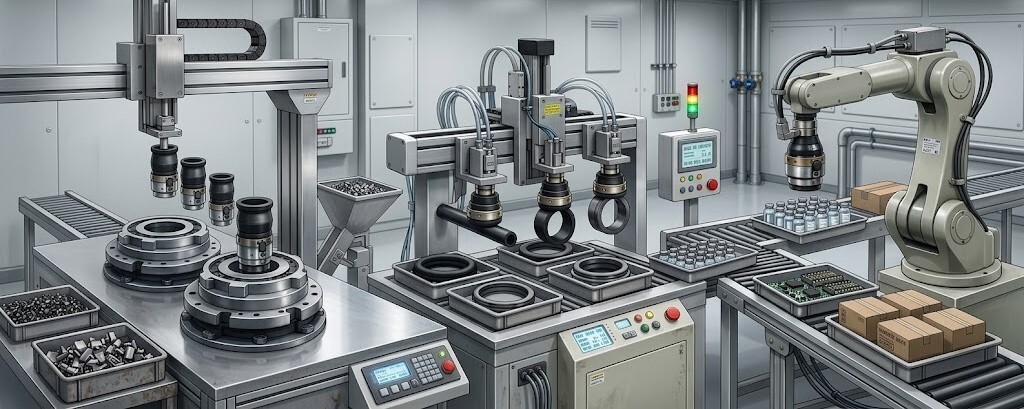
KOGANEI Automation Applications Indonesia Start From What Your Machine Needs To Do.
Move, grip, pick, detect, position, transfer, regulate and release. Connect machine functions and industrial processes with the most relevant KOGANEI pneumatic, motion, vacuum, gripper, sensing and air-control product routes.
See Where KOGANEI Fits Into the Machine Sequence.
Connect production tasks with motion, handling, sensing and pneumatic-control functions needed to complete the cycle.
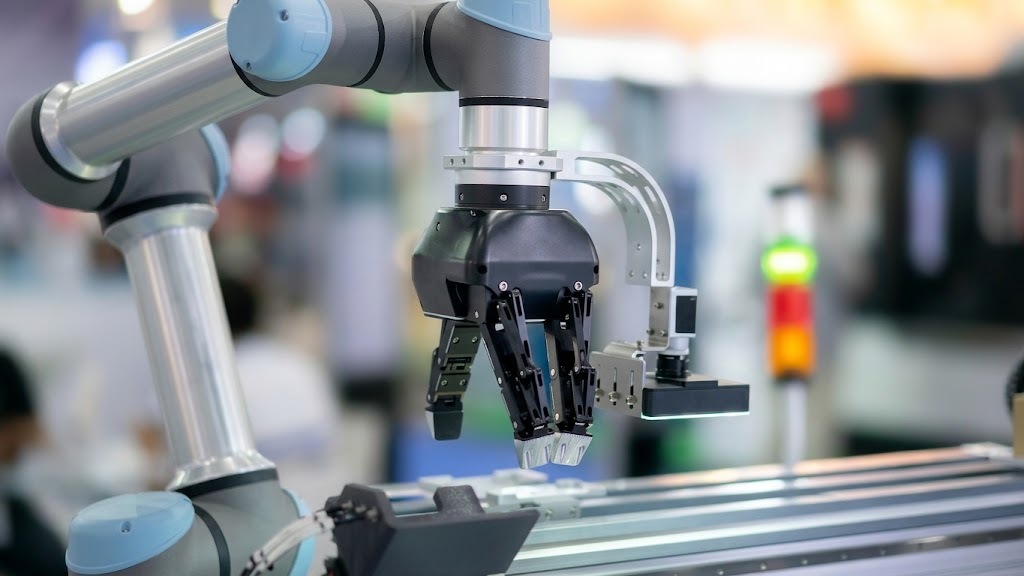 PICK & PLACE AUTOMATION
Pick, Transfer, Position and Release.
A typical pick-and-place system combines detection, linear approach, gripping or vacuum, transfer motion, positioning and release.
ARRIVE → STOP → DETECT → INDEX → TRANSFER → RELEASE
Stopper Cylinder • Sensor • Valve • Flow ControlLOAD → ALIGN → CLAMP → PROCESS → UNCLAMP → EJECT
Cylinder • Valve • Pressure Control • SensingAPPROACH → GRIP → CONFIRM → MOVE → POSITION → RELEASE
Robot Gripper • Vacuum • Sensor • Valve Control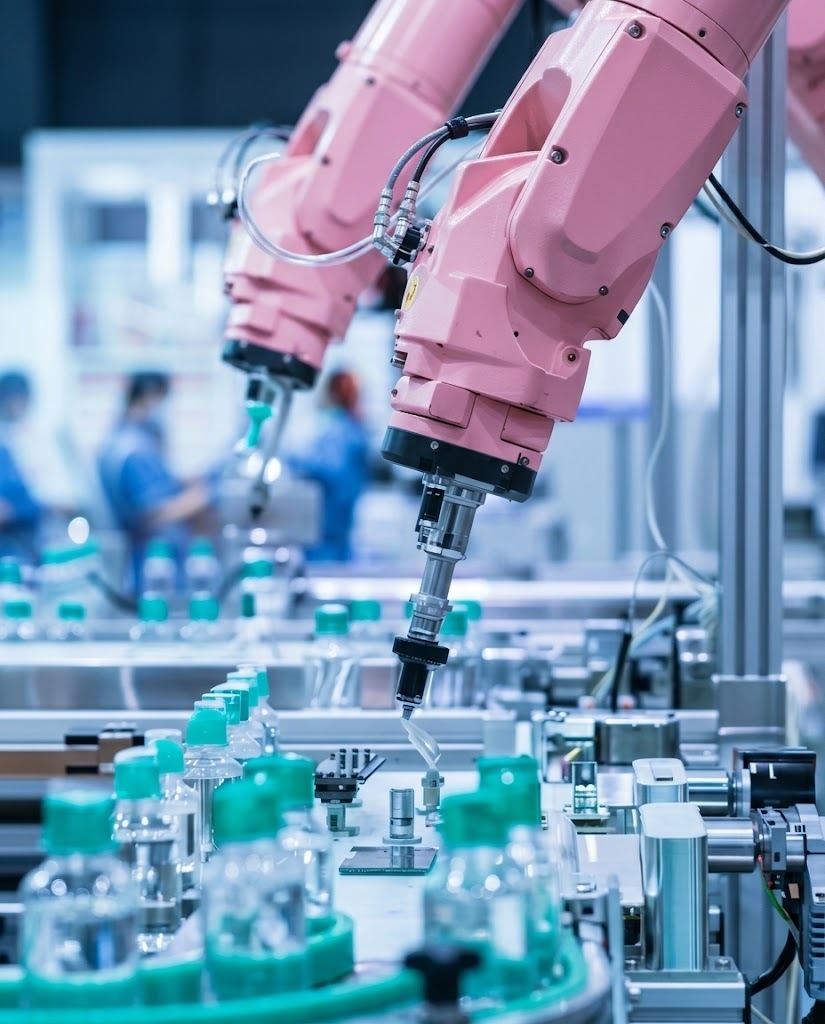
One Engineering Logic. Many Industrial Environments.
Move, grip, control, detect and transfer functions repeat across many machine types. The application changes by industry, but the engineering logic remains consistent.
Electronics Manufacturing
PCB handling, tray transfer, vacuum pickup and inspection support.
Handling → Vacuum → MotionPrecision Handling
Controlled transfer and delicate workpiece movement.
Precision → Sensing → HandlingAssembly & Transfer
Clamping, positioning, robotic handling and indexing.
Motion → Gripping → ControlSorting & Indexing
Push, stop, index, grip and transfer products.
Cylinder → Valve → FlowCompact Machine Design
Actuator selection and application-specific pneumatic mechanisms.
Function → Selection → IntegrationAutomation & MRO
Material handling, inspection, transfer and replacement.
Identify → Replace → ImproveDescribe the Machine — Narrow the KOGANEI Route.
If the exact component is unknown, start from the application and operating conditions.
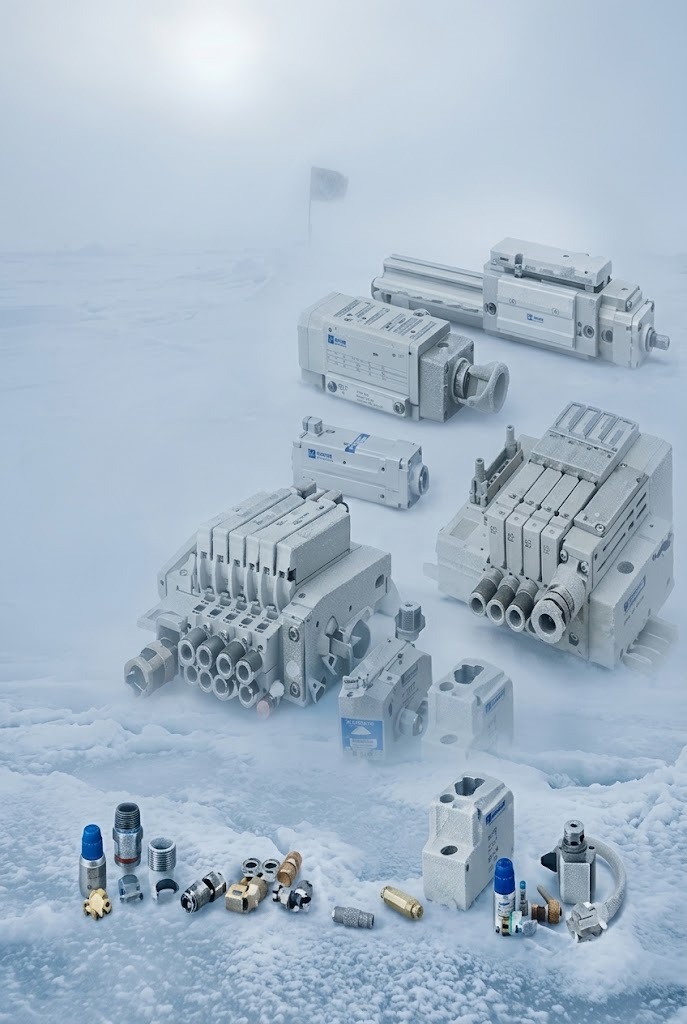 APPLICATION ENGINEERING
Linear motion, gripping, vacuum handling or air switching.
PCB, component, carton, metal, plastic or other workpiece.
Speed, precision, compact size, payload, clean handling or repeatability.
Pressure, voltage, stroke, bore, port, payload, cycle and quantity.
Use the route as a starting point for technical review.