
KOGANEI Indonesia Technical Support Start With Whatever Information You Already Have.
Need help identifying a KOGANEI model, reviewing an old pneumatic component, finding a technical support route, preparing an RFQ or discussing replacement compatibility? Start from the information already available, then narrow the product family, technical status, application requirement and commercial path without guessing.
What Information Do You Already Have?
Start from the evidence you already have. The goal is to identify the product family, model status and next technical route without guessing. The stronger the input—printed code, clear photo, machine function or operating data—the faster the support discussion can move toward identification, replacement or quotation.
 identify • verify • match
Model Code
Use the complete or partial KOGANEI model exactly as printed on the component, carton, machine BOM or maintenance record. Even a suffix can indicate a different voltage, mounting or option configuration.
Old / Obsolete Part
Start from the component currently installed in the machine. We first identify the old series, confirm its function and operating configuration, then determine whether the route is current, changed, legacy or requires replacement review.
Product Photo / Nameplate
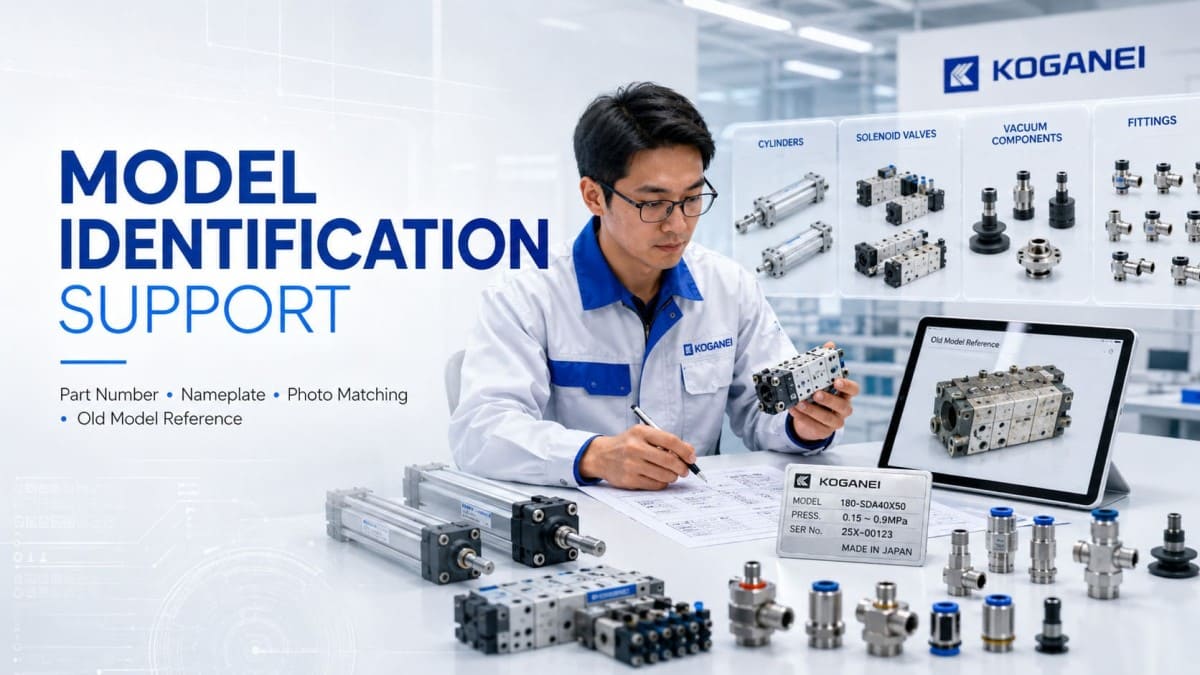
If the code is unclear, send multiple clear photos: overall component, printed model, nameplate, connector, port arrangement, mounting face and any readable dimensional markings. More angles usually reduce identification ambiguity.
Technical Data
When the model number cannot be read, begin from the machine requirement. Bore, stroke, pressure, voltage, port size, mounting, payload, cycle rate, sensing and required function can help narrow the correct product family.
Turn the Technical Requirement into a Cleaner RFQ.
A quotation request is easier to review when the technical identity and purchasing context are clear. This support route combines model confirmation, quantity, project timing, stock enquiry and lead-time discussion so the commercial response is based on the correct KOGANEI reference rather than an incomplete buying request.

Choose the Route That Matches Your Purchasing Status.
Use Technical Context Before Choosing the Final Product Route.
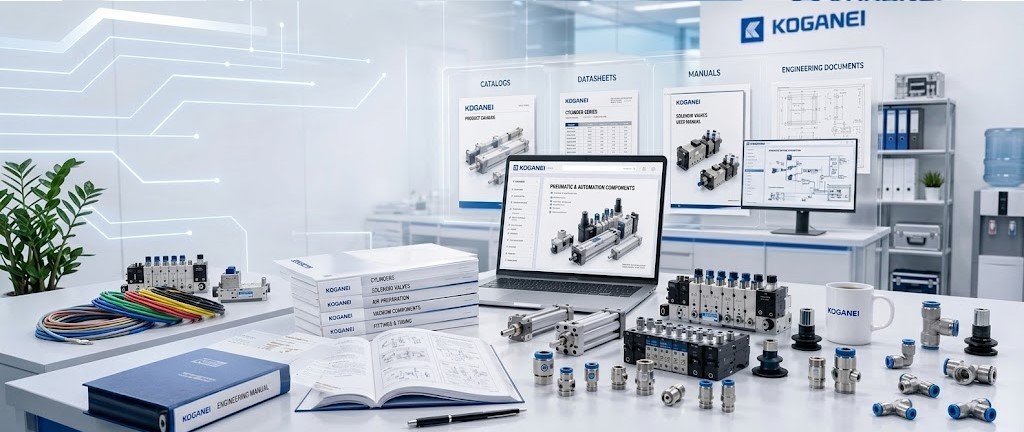
Support is more useful when the visitor understands how the product family, operating data and machine application connect. This resource block does not replace official KOGANEI documentation; it helps Indonesian buyers structure the right questions, interpret the engineering requirement and move toward the appropriate product, application or support discussion.
Product Family Orientation
Determine whether the need belongs to cylinders, valves, vacuum devices, air preparation, fittings or another pneumatic-control category before discussing exact model selection.
Specification Direction
Pressure range, bore, stroke, port size, voltage, mounting, sensing and cycle duty can change the selection route substantially.

Application Interpretation
Explain whether the unit is used for pushing, clamping, lifting, sliding, vacuum pick-up, airflow switching or another machine function so the support discussion has context.
Next Technical Action
After orientation, continue toward model identification, replacement review, quotation, stock enquiry or a deeper engineering discussion with cleaner information.
Replacement Review Should Follow Function, Interface and Operating Data.
An older installed part should not be replaced by appearance alone. This route explains the information normally needed to evaluate whether the next step is an exact-current model, a changed series, a compatible alternative or a deeper engineering review. The objective is to reduce replacement risk before the buyer commits to quotation and delivery.

Machine Function
What does the part actually do—push, clamp, rotate, lift, slide, grip, generate vacuum or control airflow? Function is the first replacement filter.
Mounting & Interface
Check physical footprint, bracket type, port orientation, tubing connection, electrical connector and installation constraints before assuming compatibility.
Operating Conditions
Pressure, stroke, bore, voltage, speed, vacuum level, load, sensing and environment can determine whether a replacement is direct or requires adaptation.
Installed-Part Status
Knowing whether the current item is worn, damaged, obsolete, modified or simply undocumented helps define the safest next technical and commercial route.
Choose the Route That Matches Your Current Situation.
The final block converts the page into a working support funnel. Instead of ending with a generic contact button, it routes engineers and buyers according to what they already know: exact model, unclear legacy component, application requirement, or immediate quotation need. This makes the closing section useful even before the visitor contacts the support desk.
