
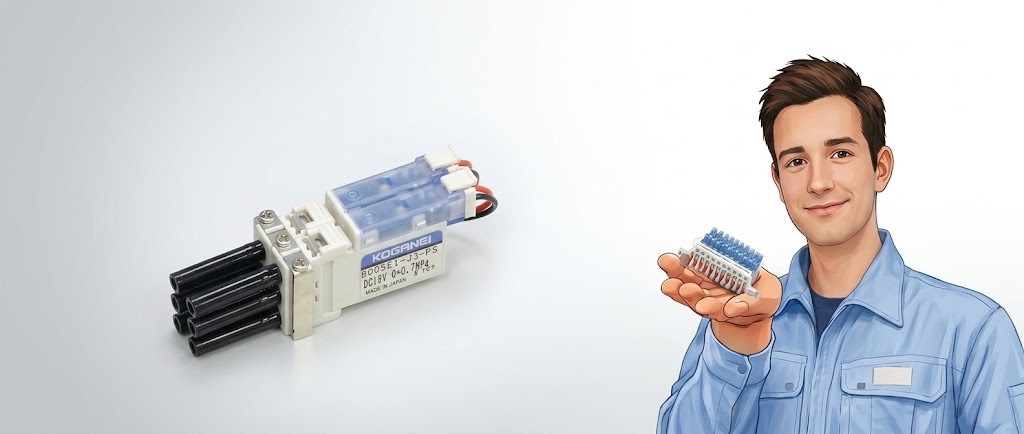
Find Your KOGANEI Model, Replacement or Current Product Route Start With Whatever Information You Already Have.
Already have a KOGANEI component, old part number, product photo or nameplate? Start the identification process from the information available, then narrow the product family, model status, technical compatibility and RFQ route without guessing the specification.
What Information Do You Already Have?
Start from the evidence you already have. The goal is to identify the product family, model status and the next technical route without guessing.
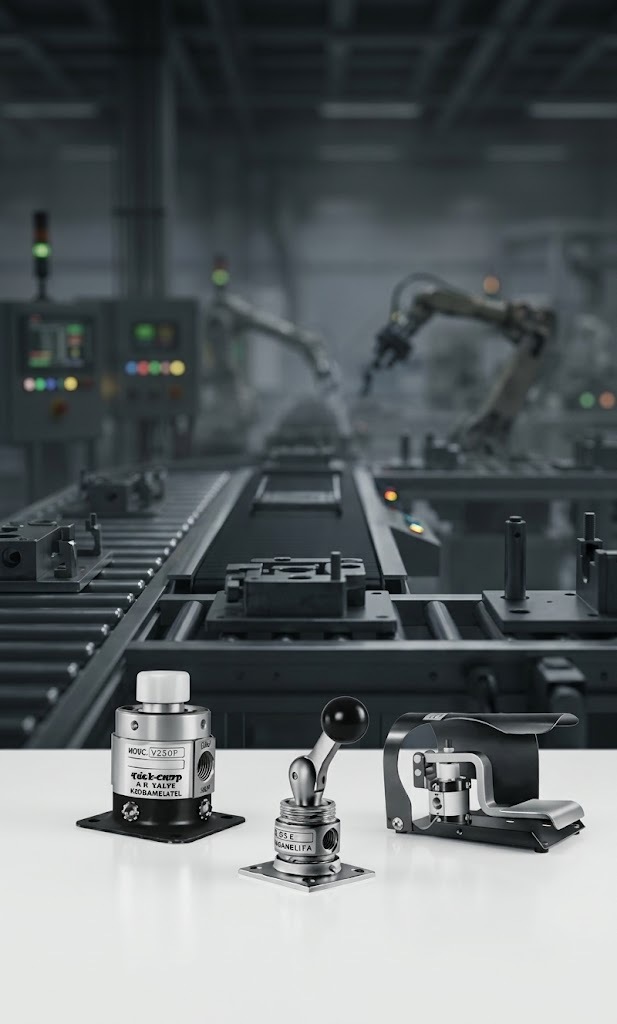 IDENTIFY → VERIFY → MATCH
Use the complete or partial KOGANEI model exactly as printed on the component, carton, machine BOM or maintenance record. Even a suffix can indicate a different voltage, port, switch, mounting or option configuration.
Start from the component currently installed in the machine. We first identify the old series, confirm its function and operating configuration, then determine whether the route is current, changed, legacy or requires a replacement review.
If the code is unclear, send multiple clear photos: overall component, printed model, nameplate, connector, port arrangement, mounting face and any readable dimensional markings. More angles usually reduce identification ambiguity.
When the model number cannot be read, begin from the machine requirement. Bore, stroke, pressure, voltage, port size, mounting, payload, cycle rate, sensing and required function can help narrow the correct KOGANEI product family.
Turn the Existing Model Code Into Engineering Clues.
The printed code can reveal product family, size, option and connection information, but the exact structure must still be verified against the correct KOGANEI documentation.
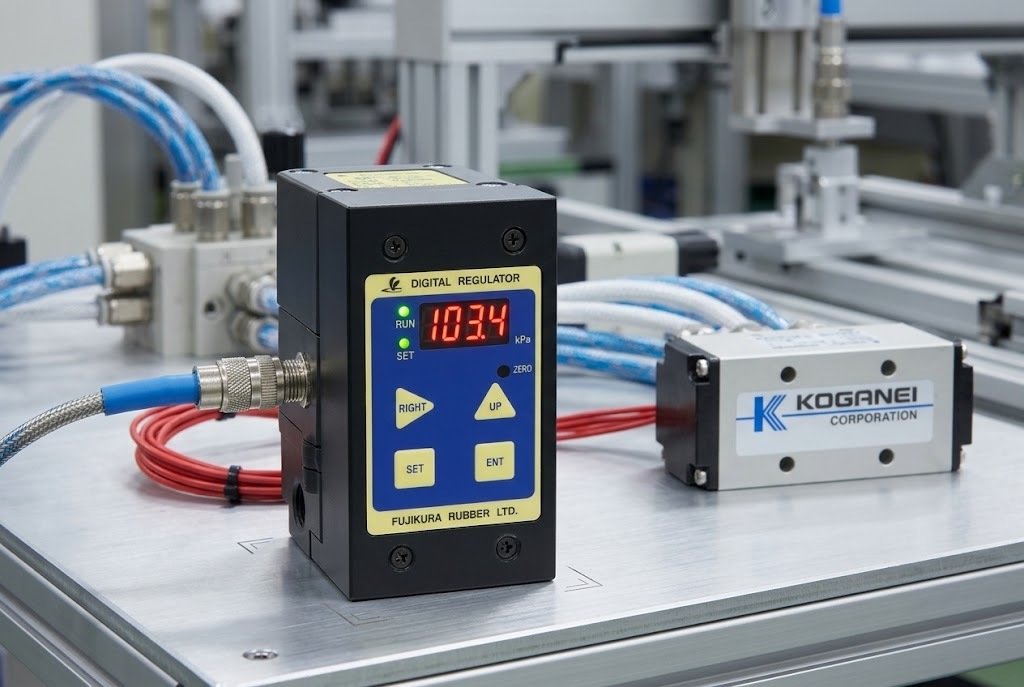
This is a reading framework, not a universal KOGANEI coding formula. Actual codes differ by product family.
Cylinder, valve, vacuum, gripper, actuator, sensing or air preparation.
Series name, body size, bore or other family-specific dimension.
Movement length or travel information where applicable.
Port, voltage, switch, sensor, mounting or special option suffix.
Send exactly what is printed on the product. Even one suffix can change the technical configuration.
Verify the Existing Part Before Calling Anything a Replacement.
A replacement decision should follow model verification, status review and technical comparison—not visual similarity alone.
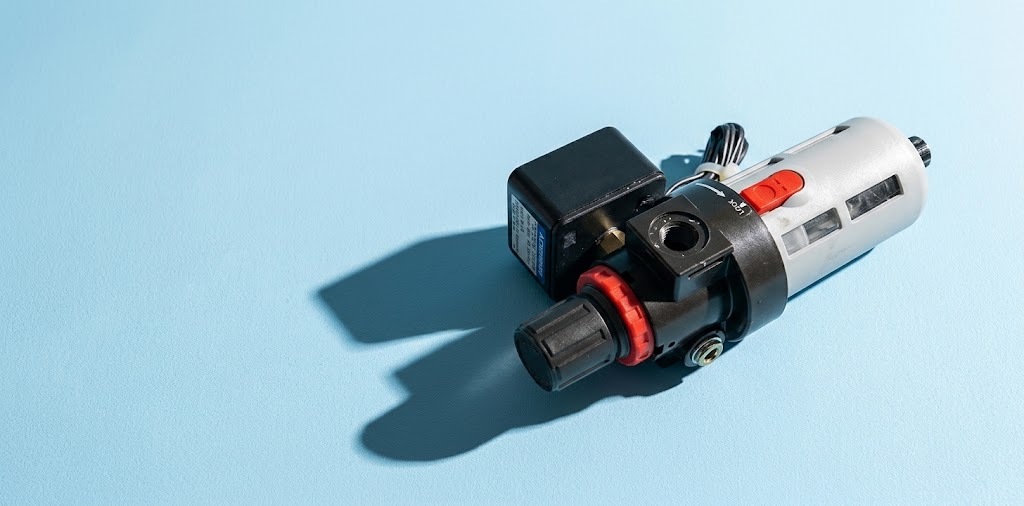 LEGACY → VERIFY → REPLACEMENT ROUTE
Capture the complete model, nameplate, photos, machine application and available dimensions.
Confirm the product family, series, suffixes, operating configuration and mounting details.
Determine whether the model is current, changed, legacy, discontinued or needs deeper engineering review.
Compare function, dimensions, pressure, voltage, ports, mounting, sensing and application requirements.
Only after verification should the inquiry move into a candidate model and commercial RFQ.