NOYAFA Testing Applications Indonesia
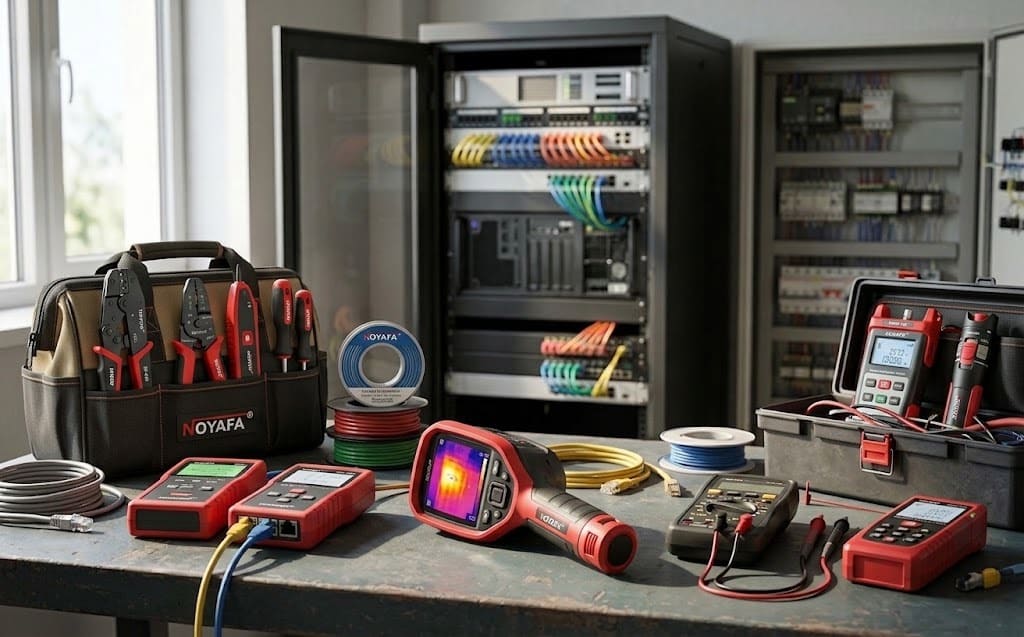
Find the right testing approach for network infrastructure, fiber optic, CCTV, electrical systems, underground utilities, thermal inspection and field maintenance.
What Do You Need to Test?
Start from the symptom or field requirement. Follow the application route to identify the appropriate test method and NOYAFA instrument family. This page is designed for technicians, installers, maintenance teams and project buyers who know what must be tested but may not yet know the exact model.
Network & LAN Troubleshooting
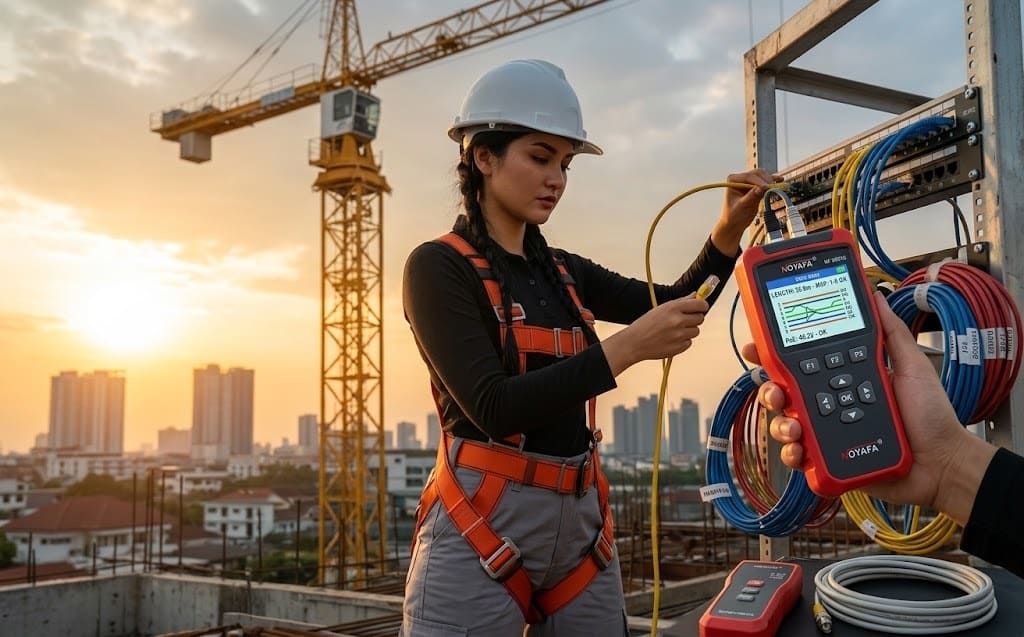
Trace cable routes, verify wire mapping, check CAT5/CAT6 continuity, cable length, PoE and switch-port identification. Useful for structured-cabling installation, network maintenance, rack commissioning and fault isolation when the physical link is uncertain.
Fiber Optic & FTTH Diagnostics
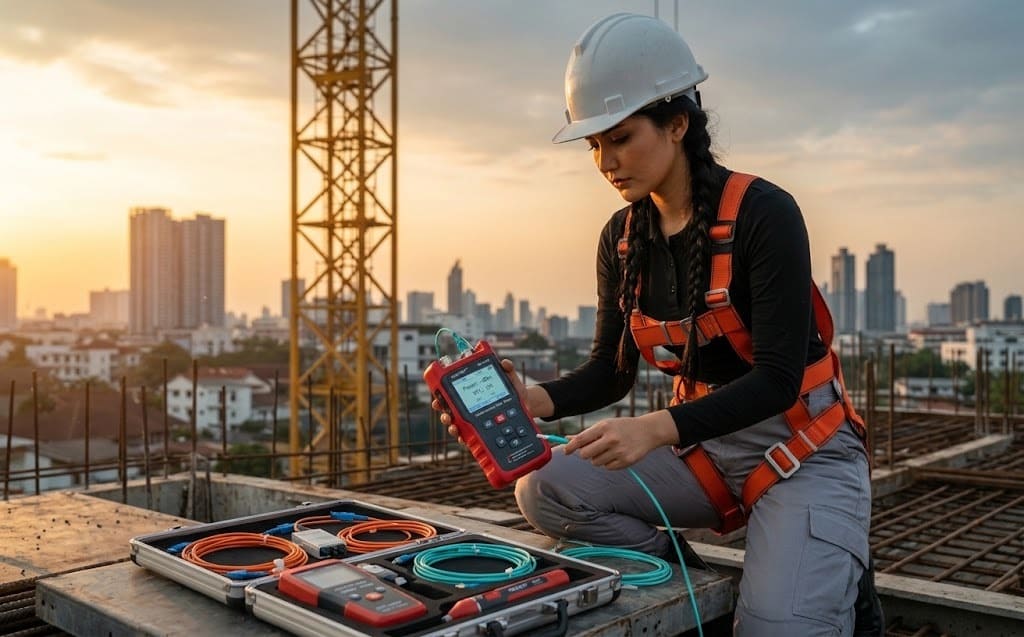
Locate optical faults, evaluate fiber length and loss, verify optical power and support FTTH installation or maintenance. Typical work includes new-link acceptance, splice troubleshooting, optical-loss investigation and field verification before handover.
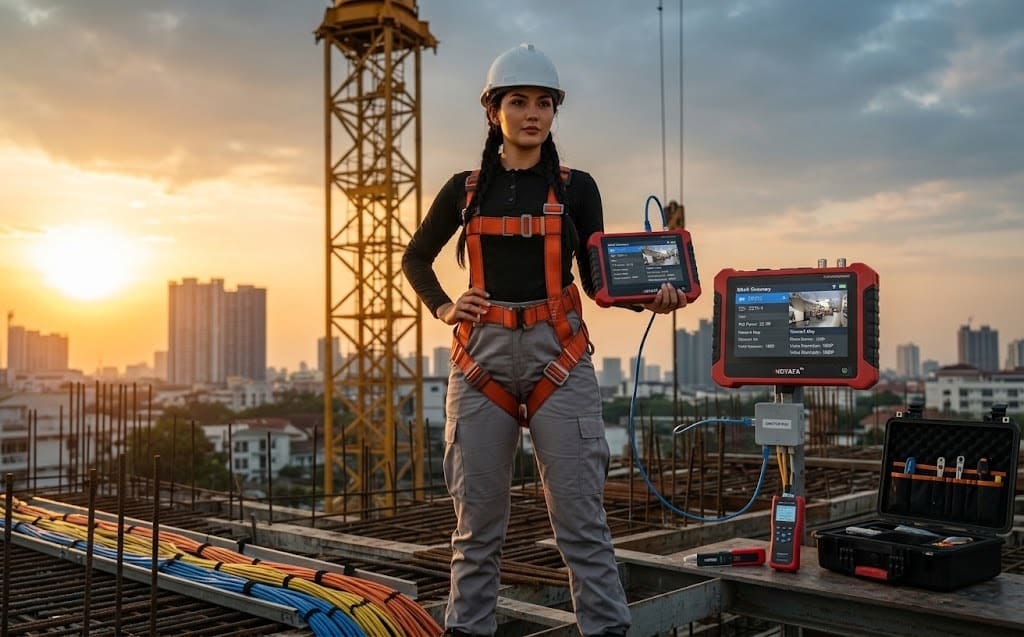
CCTV & IP Camera Commissioning
Support IP camera setup, ONVIF discovery, PoE verification, network diagnostics and cabling checks during installation. This route helps commissioning teams separate camera, network, power and cabling issues before replacing equipment unnecessarily.
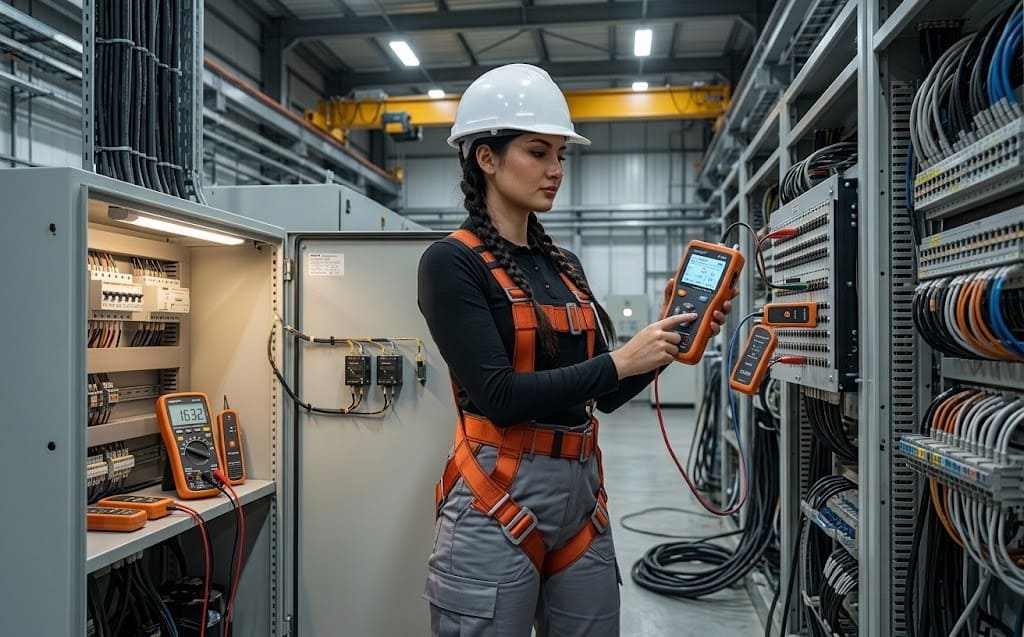
Electrical Troubleshooting
Trace circuits, identify breakers and wiring paths, check voltage conditions and support electrical fault investigation. Appropriate for maintenance teams working on distribution panels, concealed wiring, circuit identification and preliminary fault finding.
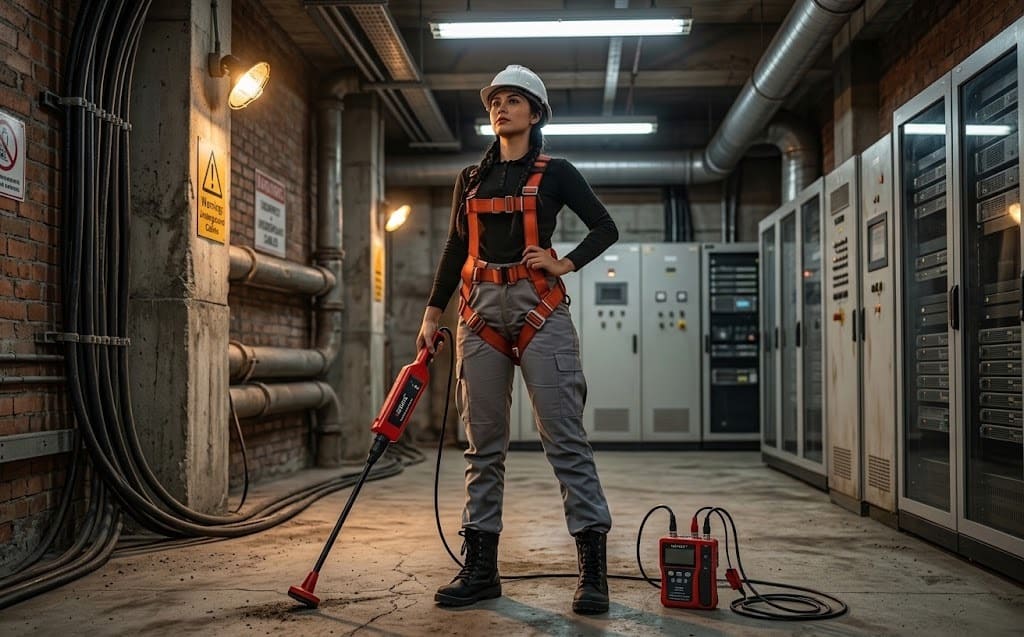
Underground & Hidden Utility Detection
Follow buried cable or pipe routes, locate hidden wiring and investigate breakpoints before repair or excavation work. The objective is to reduce blind searching and improve route confidence before maintenance, drilling, repair or excavation activity.
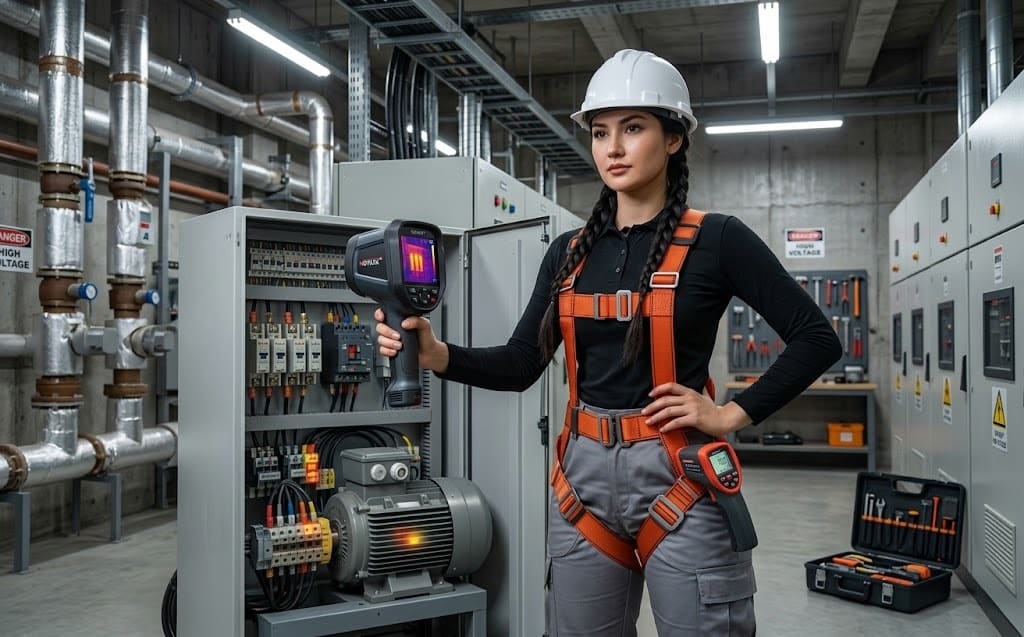
Thermal & Equipment Inspection
Inspect electrical hotspots, panels, HVAC systems and equipment condition as part of preventive and field maintenance. Thermal inspection helps prioritize abnormal temperature patterns for closer electrical, mechanical or facility investigation.
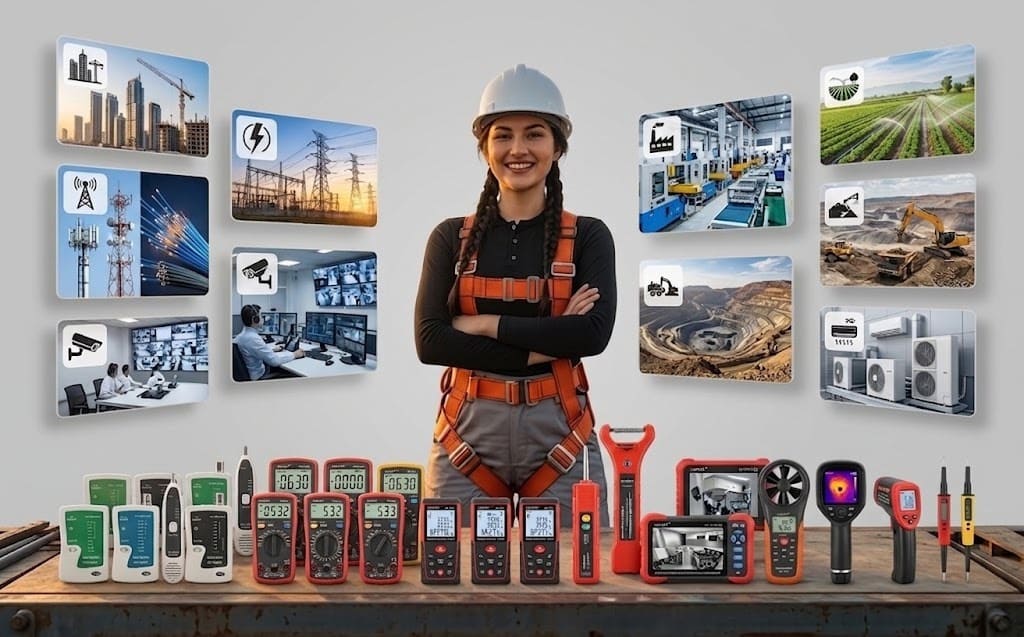
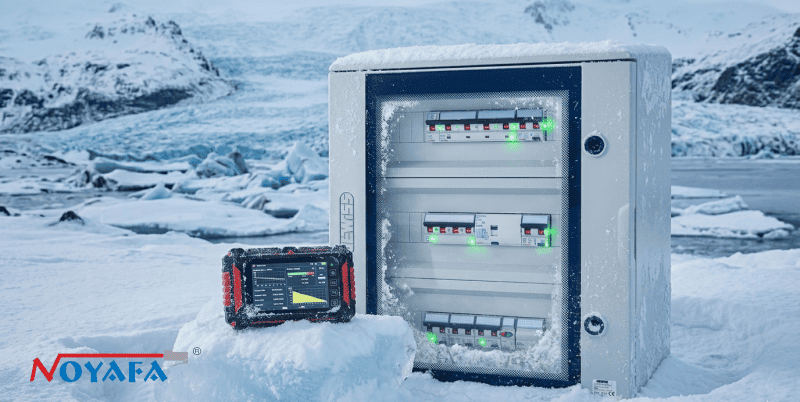
Built for Real-World Technical Environments.
Connect the testing requirement to the environment where technicians actually work—from digital infrastructure and telecom deployment to manufacturing maintenance, building services and utility field work.
The environment matters because access conditions, interfaces, fault types and verification priorities change from one jobsite to another. Use this field map to narrow the likely measurement workflow before choosing the instrument family.
Diagnose the Problem. Choose What to Measure.
Select a field symptom below. The workflow shows what should be checked first, which measurement method is appropriate and which NOYAFA instrument family is the logical direction. The purpose is to reduce trial-and-error by separating the symptom, verification step and instrument choice.
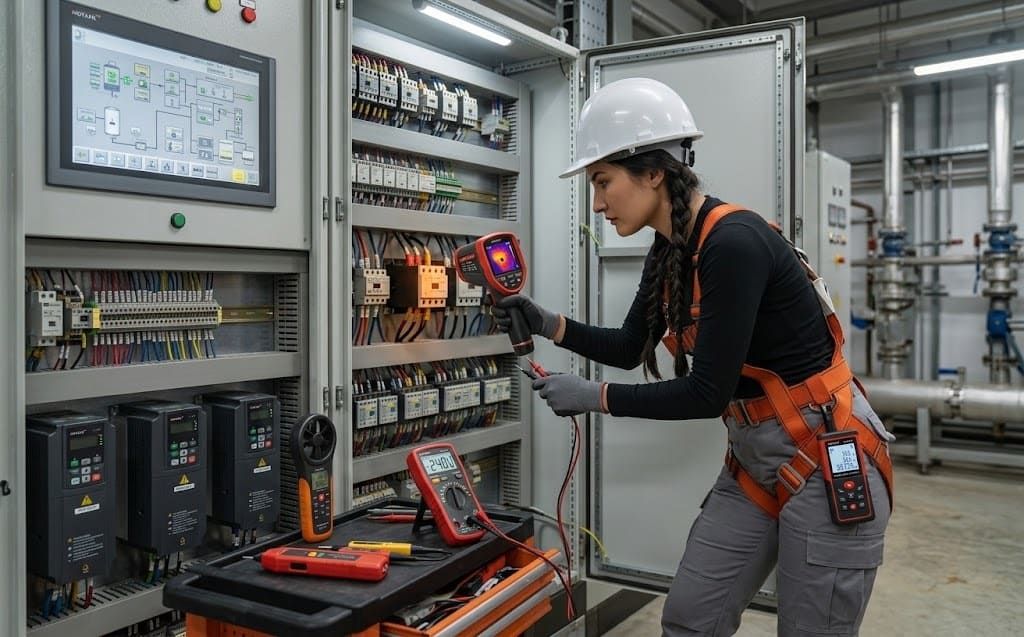
Send the application, working environment, symptom, interface or cable type, and any available photo or project specification. The technical desk can help narrow the measurement method before the model is selected.
Match My Application →Application → Instrument Direction
Use the job requirement as the input. The matching engine points toward the relevant NOYAFA product family and a practical model direction. Treat the result as a selection route—not a substitute for checking interface, range, accessory, environment and project requirements.
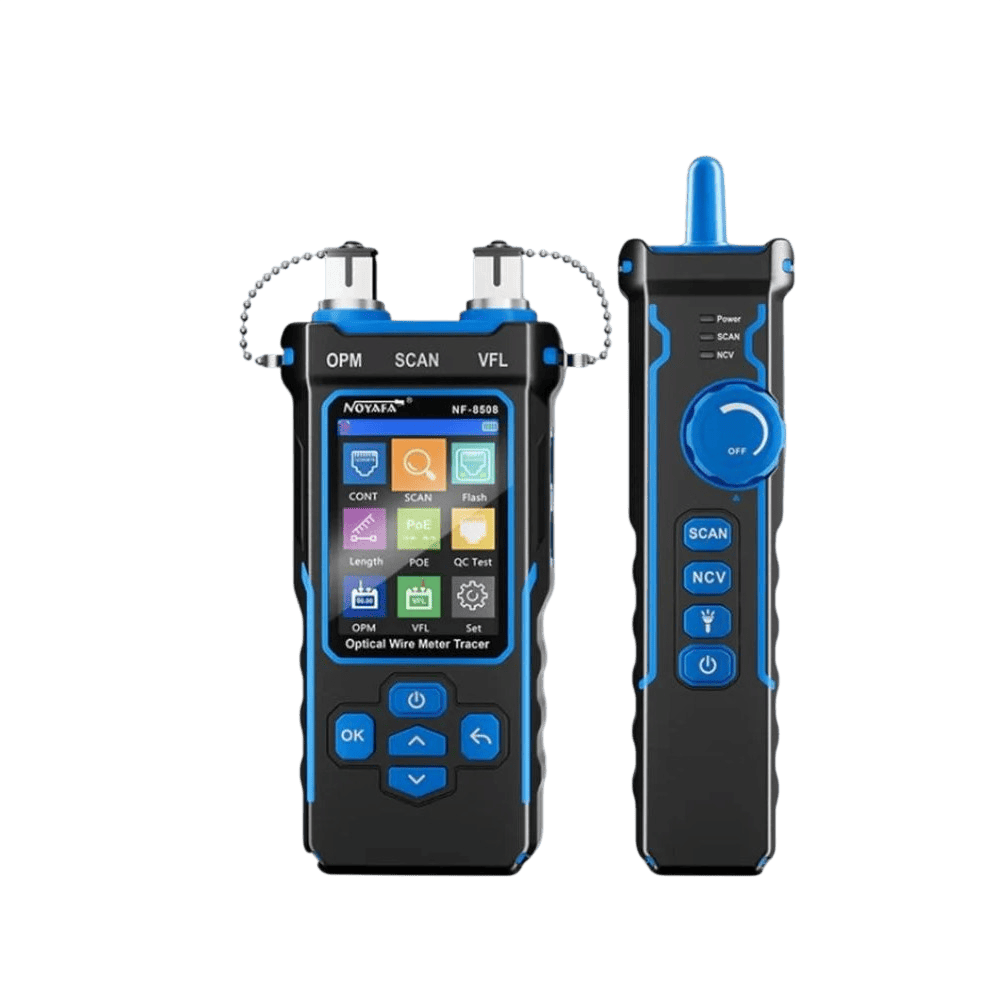
Network & Cable Tester
Suitable direction when the job starts with LAN cabling, tracing, mapping, distance or PoE-related diagnostics.
Final model selection should follow the exact field requirement, interface, measurement range and project specification.You Don't Need the Model Number to Start.
Describe the application, symptom or project requirement. The next step is technical matching, availability confirmation and a practical B2B quotation route. You can start even when the exact model is unknown—the quality of the application information is more useful than guessing a part number.